Audio-Technica ATN3600L Replacement Stylus - Clearance / Open Box
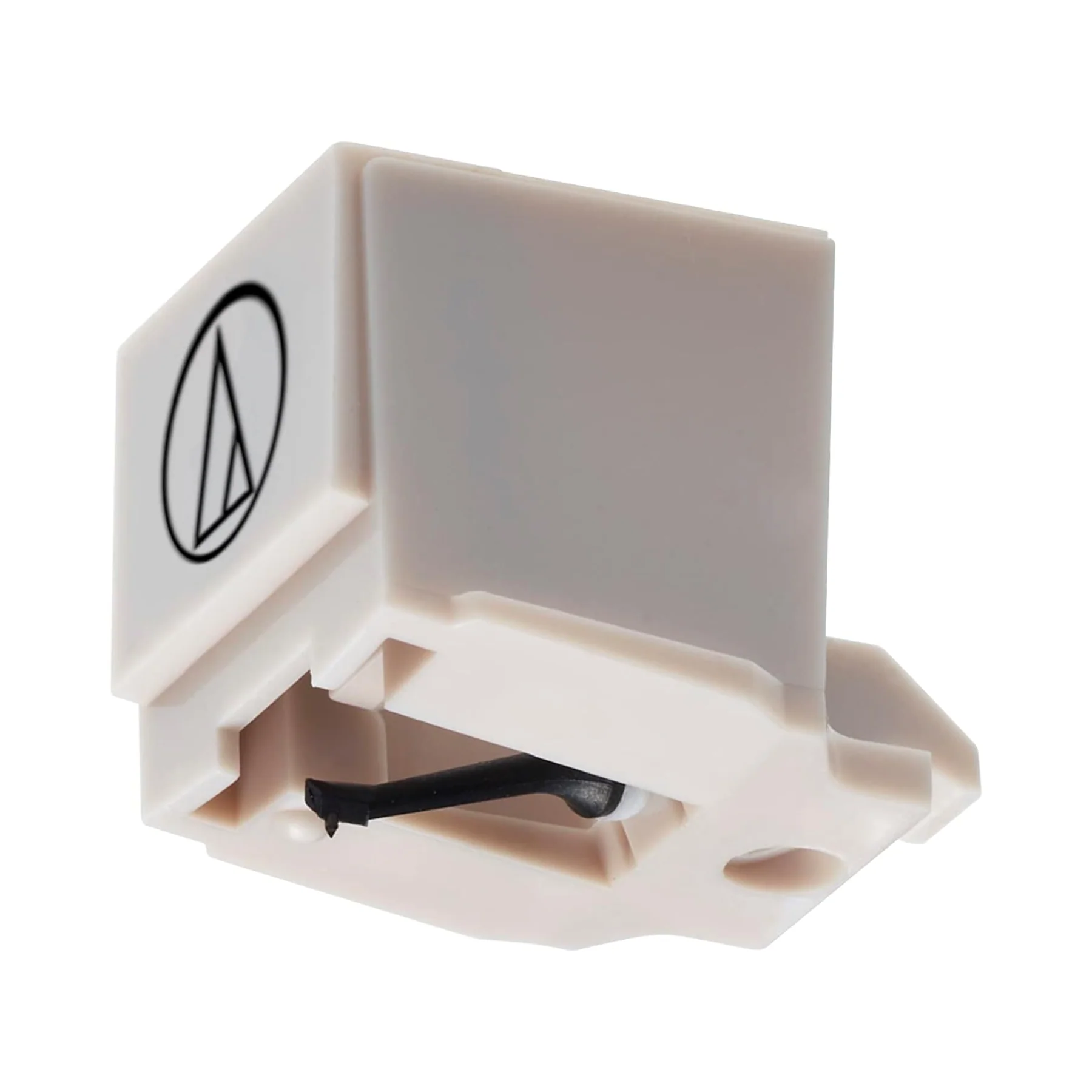
Replacement Stylus for Audio-Technica AT3600L Cartridge
To remove old stylus (needle), hold the cartridge in one hand, grasp the plastic stylus housing with thumb and forefinger, and pull away from the cartridge. The stylus assembly comes away at a slight angle, as indicated by the arrow.
To install replacement stylus, insert the new stylus assembly into the cartridge at a slight angle, so the hook at the end of the stylus fits into the slot in the cartridge body. The stylus assembly should click into place when fully seated on the cartridge. The stylus must be fully seated on the body for proper operation.
Stylus Shape: Conical
Stylus Dimension: 0.6 mil
More Images
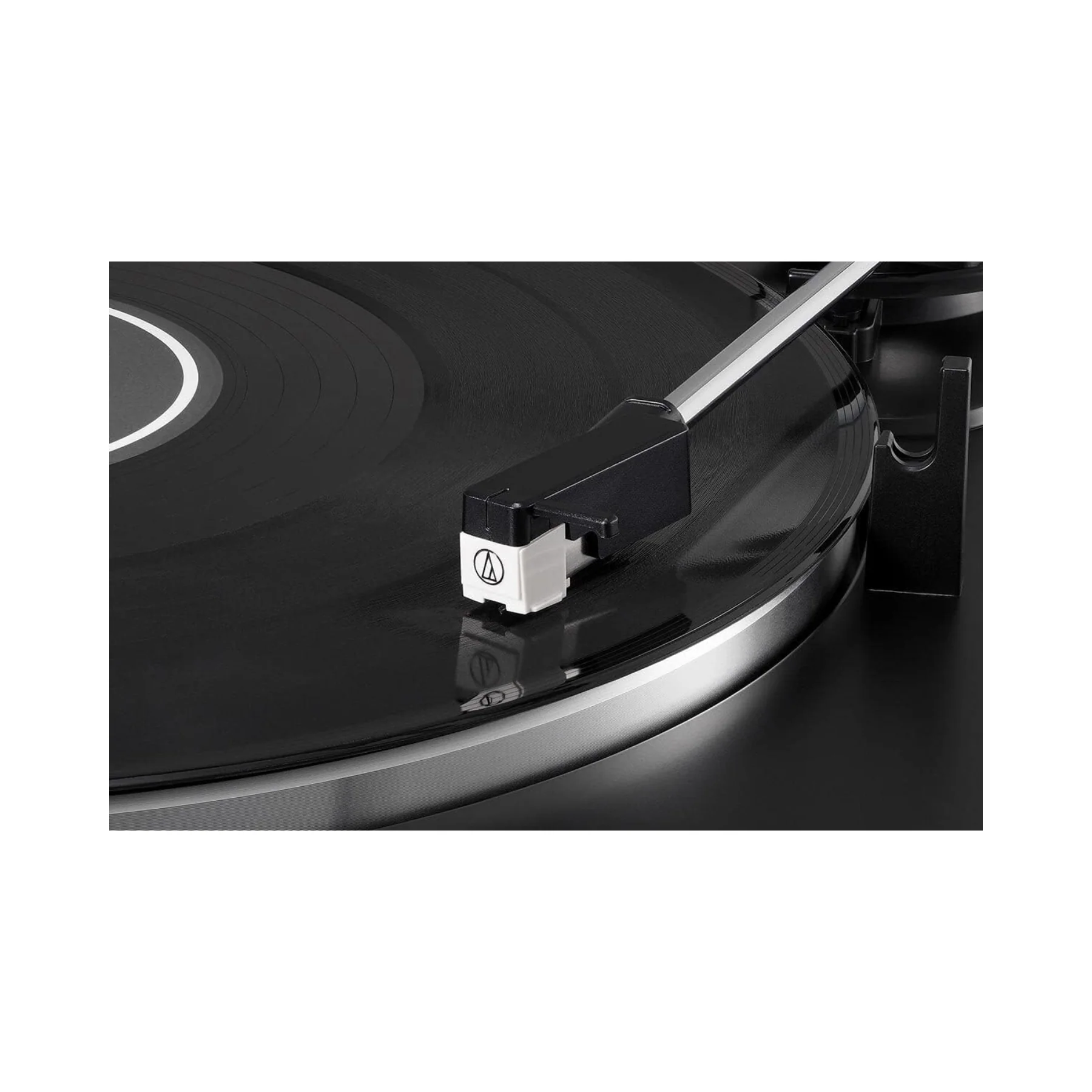
Audio-Technica ATN3600L Replacement Stylus - Clearance / Open Box
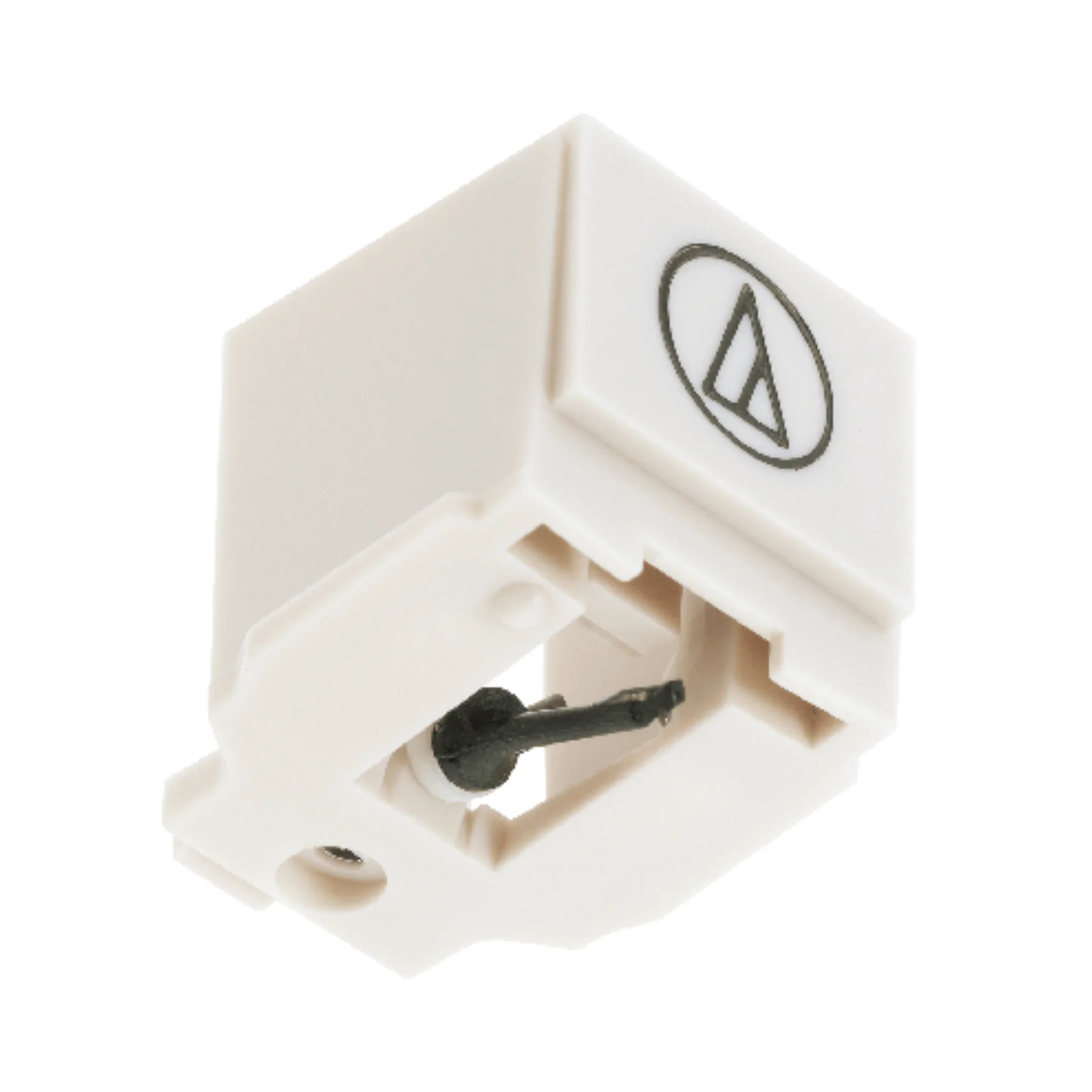
Replacement Stylus for Audio-Technica AT3600L Cartridge
To remove old stylus (needle), hold the cartridge in one hand, grasp the plastic stylus housing with thumb and forefinger, and pull away from the cartridge. The stylus assembly comes away at a slight angle, as indicated by the arrow.
To install replacement stylus, insert the new stylus assembly into the cartridge at a slight angle, so the hook at the end of the stylus fits into the slot in the cartridge body. The stylus assembly should click into place when fully seated on the cartridge. The stylus must be fully seated on the body for proper operation.
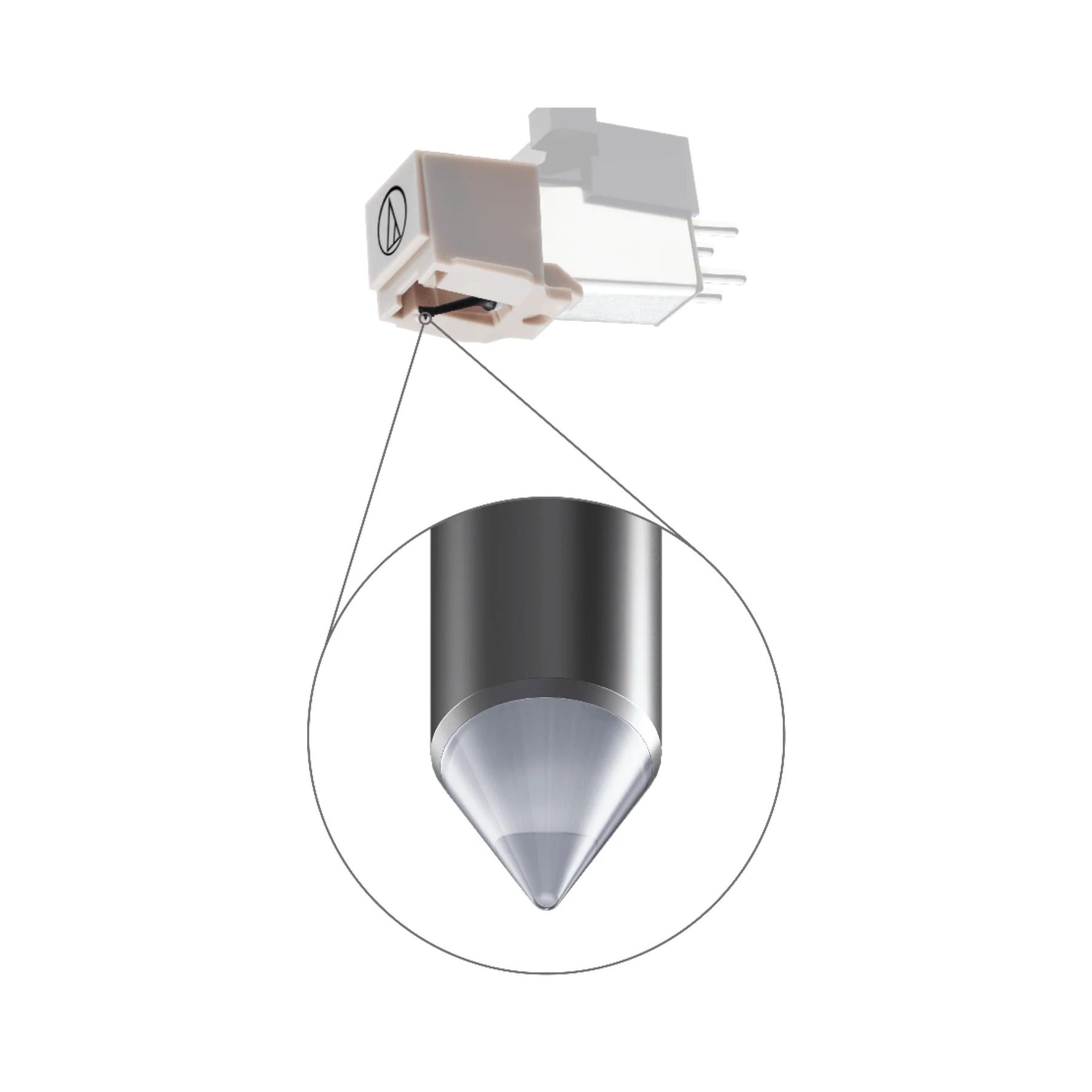
Stylus Shape: Conical
Stylus Dimension: 0.6 mil
Product Information
Product Information
Shipping & Returns
Shipping & Returns
Description
Replacement Stylus for Audio-Technica AT3600L Cartridge
To remove old stylus (needle), hold the cartridge in one hand, grasp the plastic stylus housing with thumb and forefinger, and pull away from the cartridge. The stylus assembly comes away at a slight angle, as indicated by the arrow.
To install replacement stylus, insert the new stylus assembly into the cartridge at a slight angle, so the hook at the end of the stylus fits into the slot in the cartridge body. The stylus assembly should click into place when fully seated on the cartridge. The stylus must be fully seated on the body for proper operation.
Stylus Shape: Conical
Stylus Dimension: 0.6 mil